
Maps Ruler · Classic
Trace a route.Measure the ground.
Measure distance, area and perimeter on a map, then save your measurements for later.
For Android
Explore the Maps Ruler familyDistance, area and perimeter — in context.
Map-based distance, area and perimeter measurement with point editing and saved measurements.
Classic, Pro and Area.Explore the family
On the map
Your points.A clearer plan.
Distance + area
Measure paths, areas and perimeters directly on a map.
Trace and edit
Draw continuously or adjust individual measurement points.
Save your work
Save, reopen, back up and export measurements.
From the app
A closer look.
At the map.
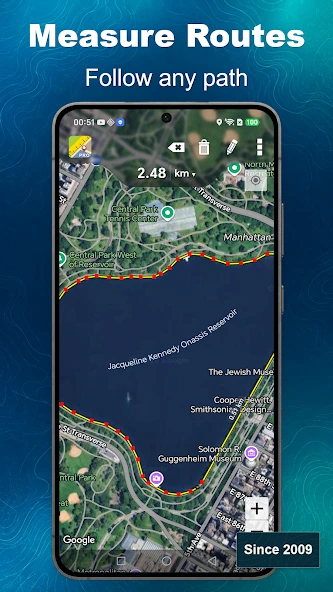
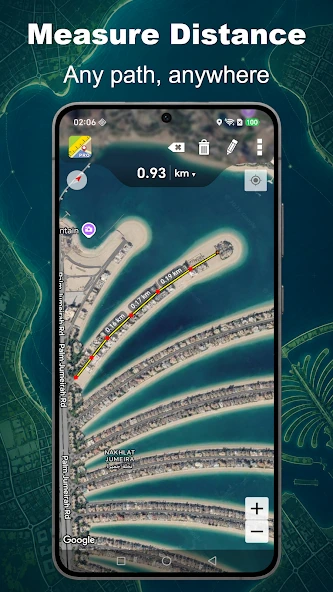
Original app screenshots. Tap to explore.
Part of Maps Ruler
The Maps Ruler family.
Classic, Pro and Area — discover the Maps Ruler range.
Explore Maps RulerAnother way to measure.

For planning and estimates — not a legal survey.
This is the policy linked by the current Google Play listing. It is a legacy document dated 2016 and remains under review; its presence does not verify that it fully describes current app behavior.